
BEACN Studio Lighting ModesUpdated 2 hours ago
BEACN Studio comes with a variety of lighting modes to add your personality and flare to it. In this article we are going to show you how to get to the Lighting Mode menu, and show you what those modes look like.
How to get to the BEACN Studio Lighting Menu
In your BEACN App, click the lighting menu icon under the BEACN Studio icon

Lighting Modes
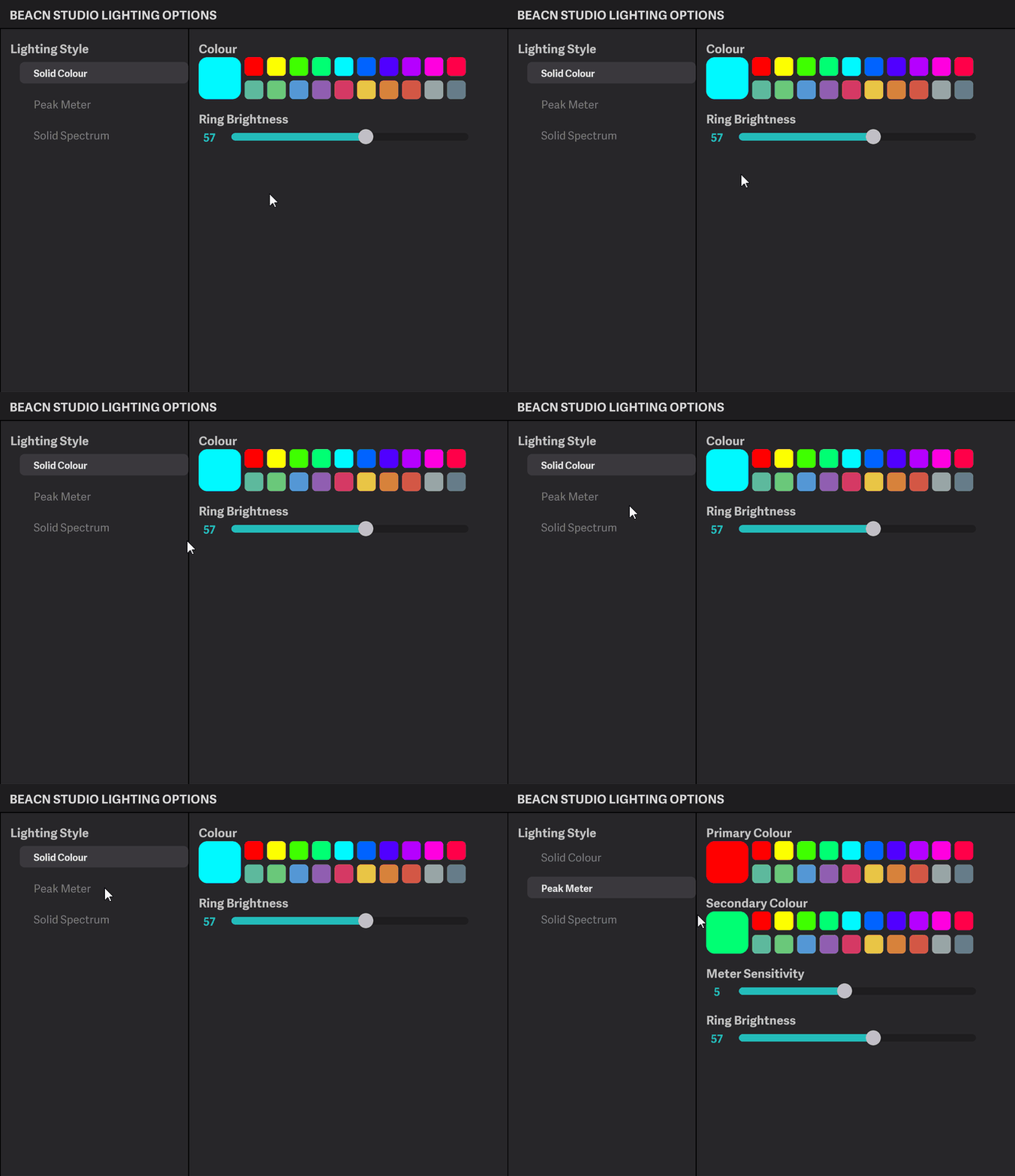
- Solid Colour - This mode will set the LED to a color of your choosing
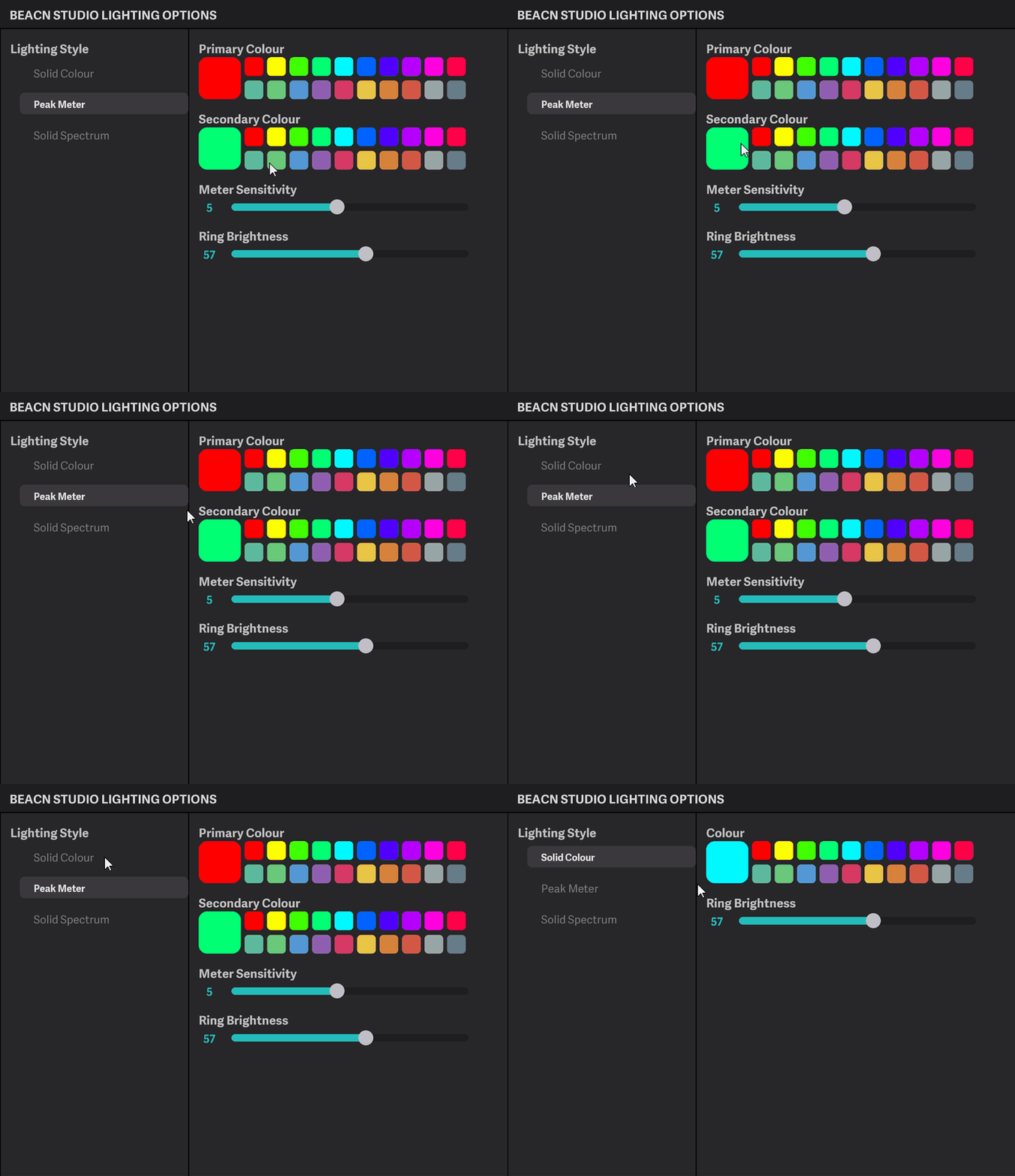
- Peak Meter - This mode will make the ring on the BEACN Studio respond to its audio level. It allows you to choose the primary and secondary colours as well as the meter sensitivity
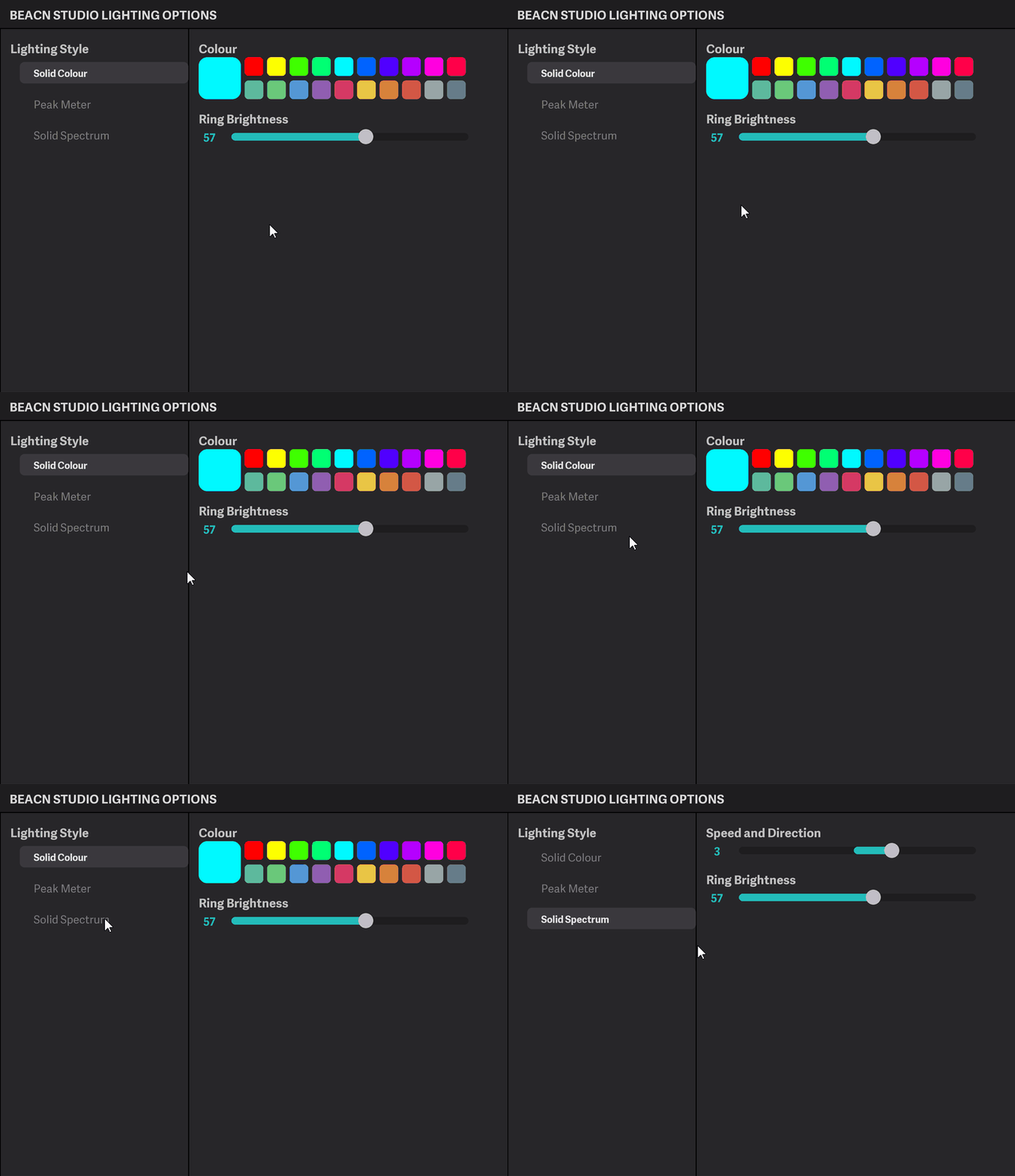
- Solid Spectrum - This mode cycles through the entire RGB color spectrum
NOTE
If the color you want isn't on the default color palette, click the selected color to get a full RGB range to choose from!