
BEACN Mic Lighting ModesUpdated 2 hours ago
BEACN Mic comes with a variety of lighting modes to add your personality and flare to it. In this article we are going to show you how to get to the Lighting Mode menu, and show you what those modes look like.
How to get to the BEACN Mic Lighting Menu
In your BEACN App, click the lighting menu icon
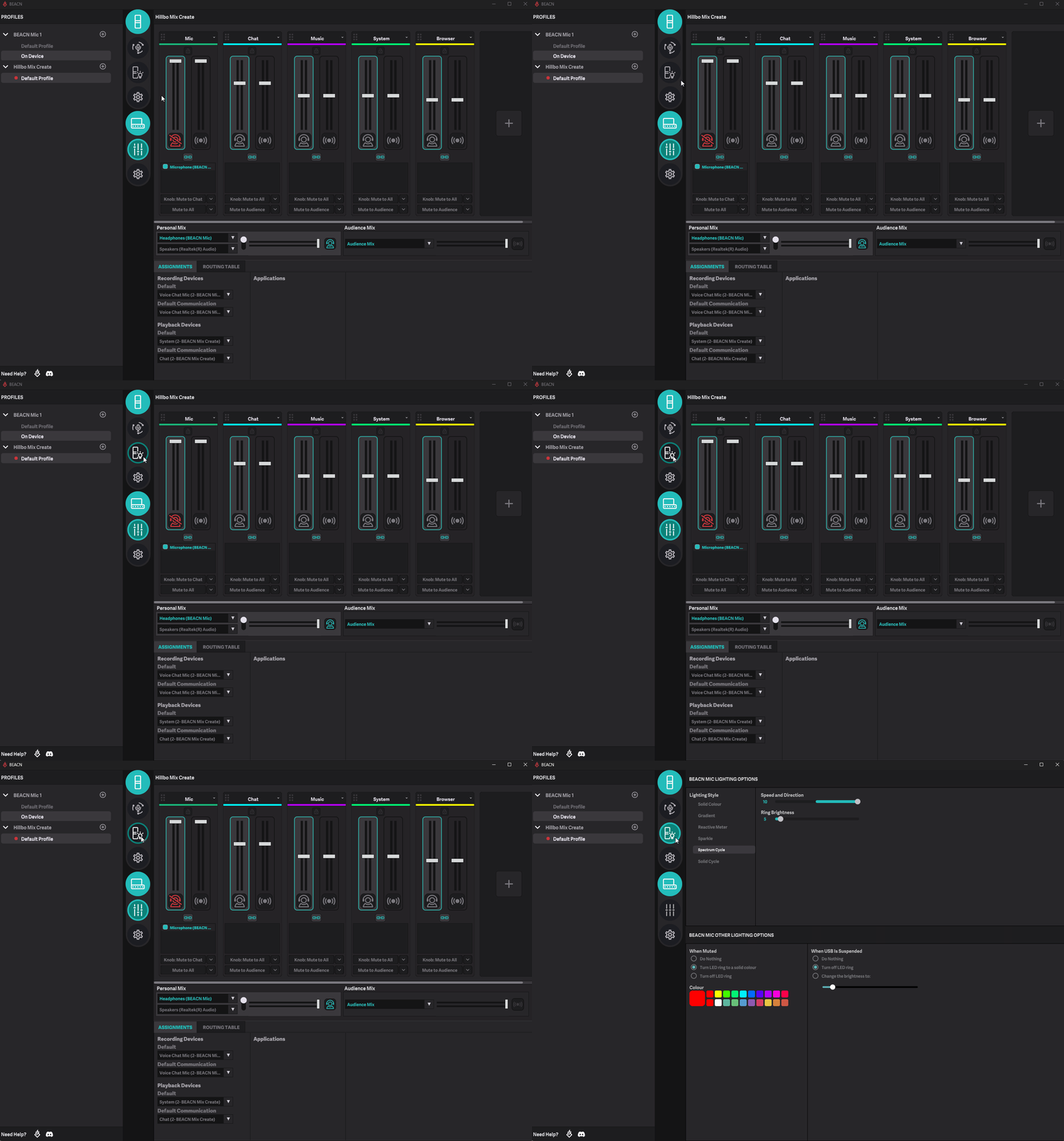
Lighting Modes
- Solid Colour - This mode will set the LED to a color of your choosing
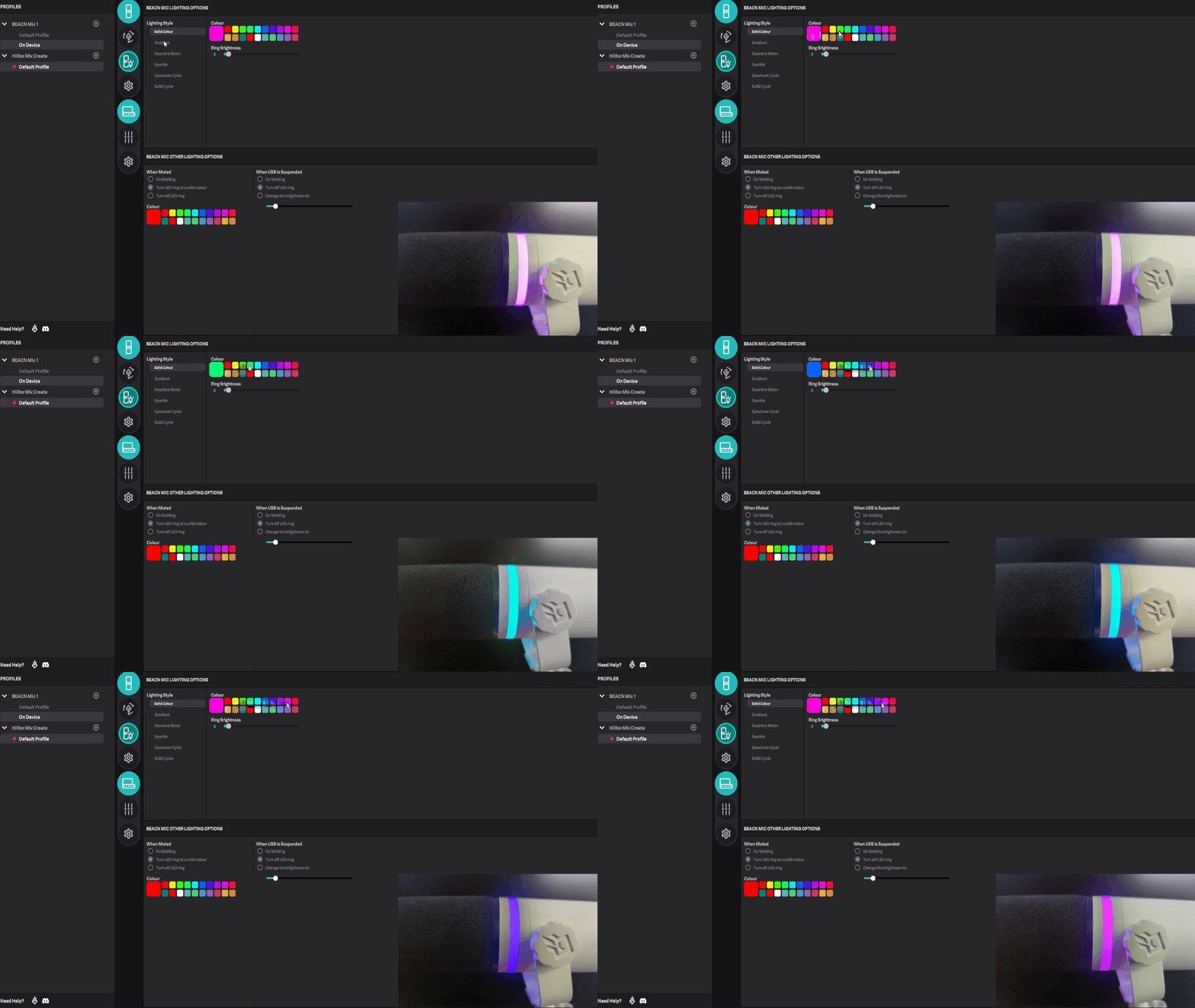
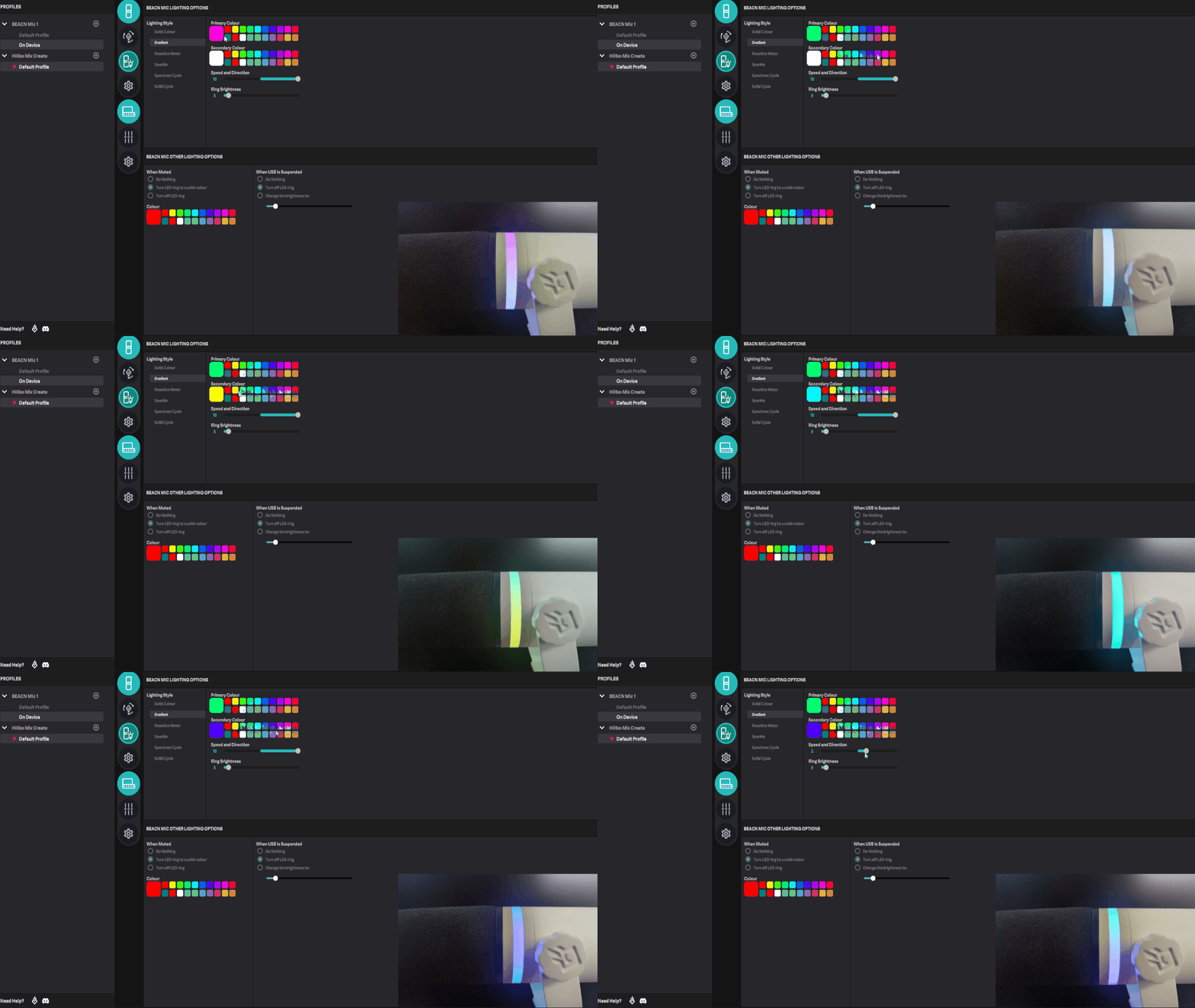
- Gradient - This mode will create a gradient between two colors of your choosing. It will also allow you to choose the speed and direction
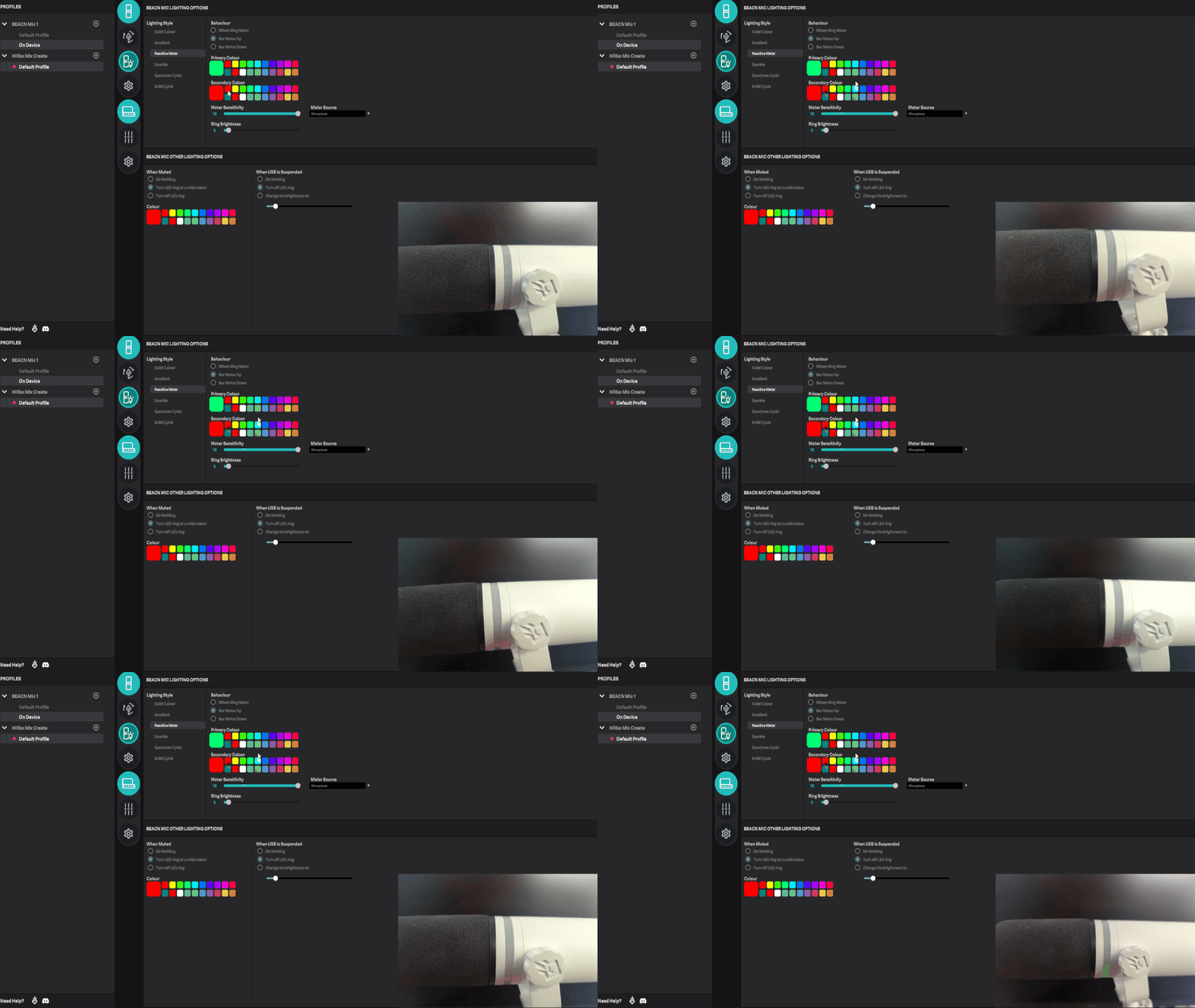
- Reactive Meter - This mode will make the ring on the BEACN Mic respond to the metering source you choose. It allows you to choose the metering behaviour as well as the sensitivity to the source
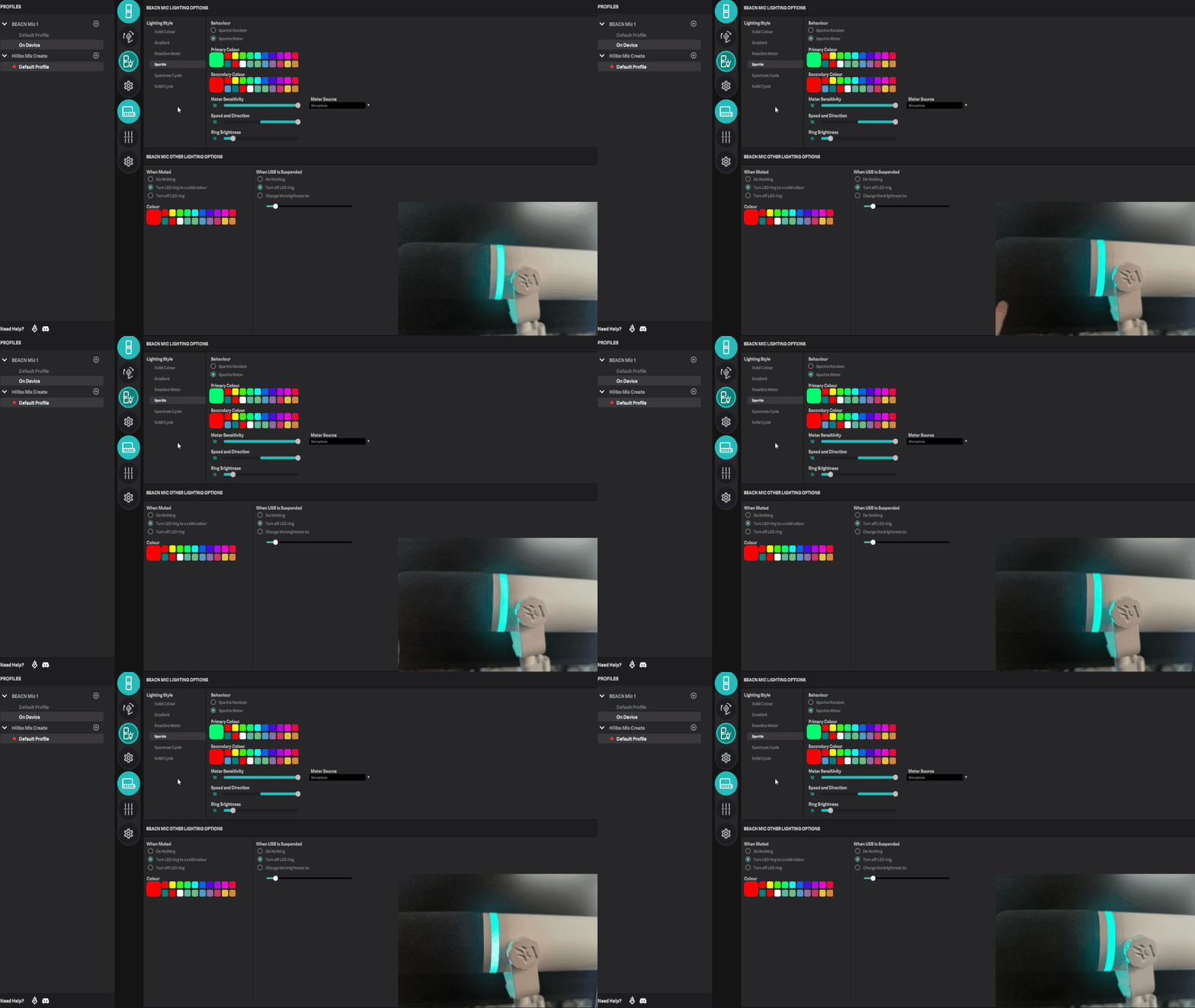
- Sparkle - This mode sets the ring to the primary color, and then depending on if you choose the random or the metered behaviour, will either sparkle the secondary color randomly on the primary color, or will only sparkle the secondary color when audio goes through the meter source
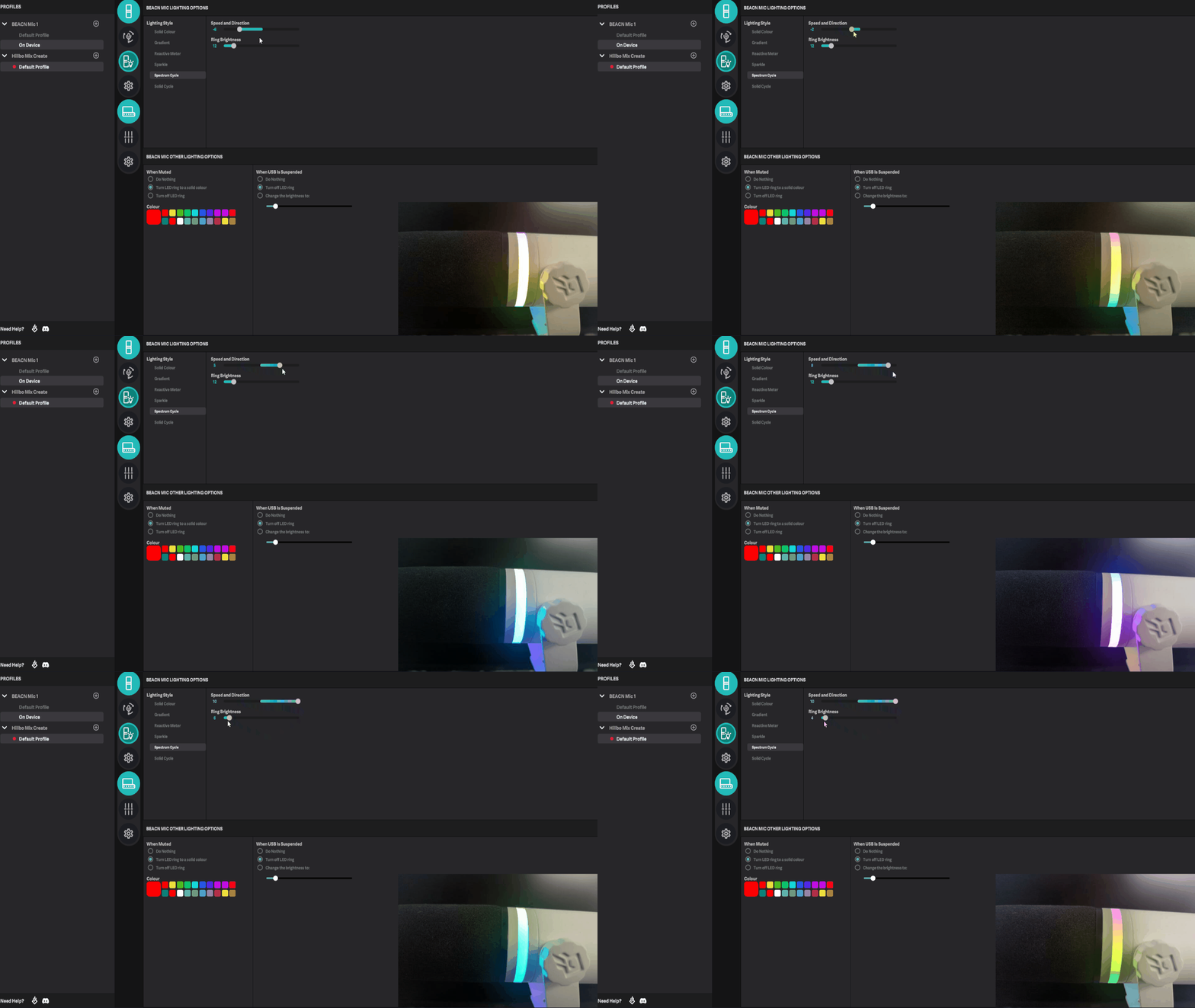
- Spectrum Cycle - This mode cycles through the entire RGB color spectrum
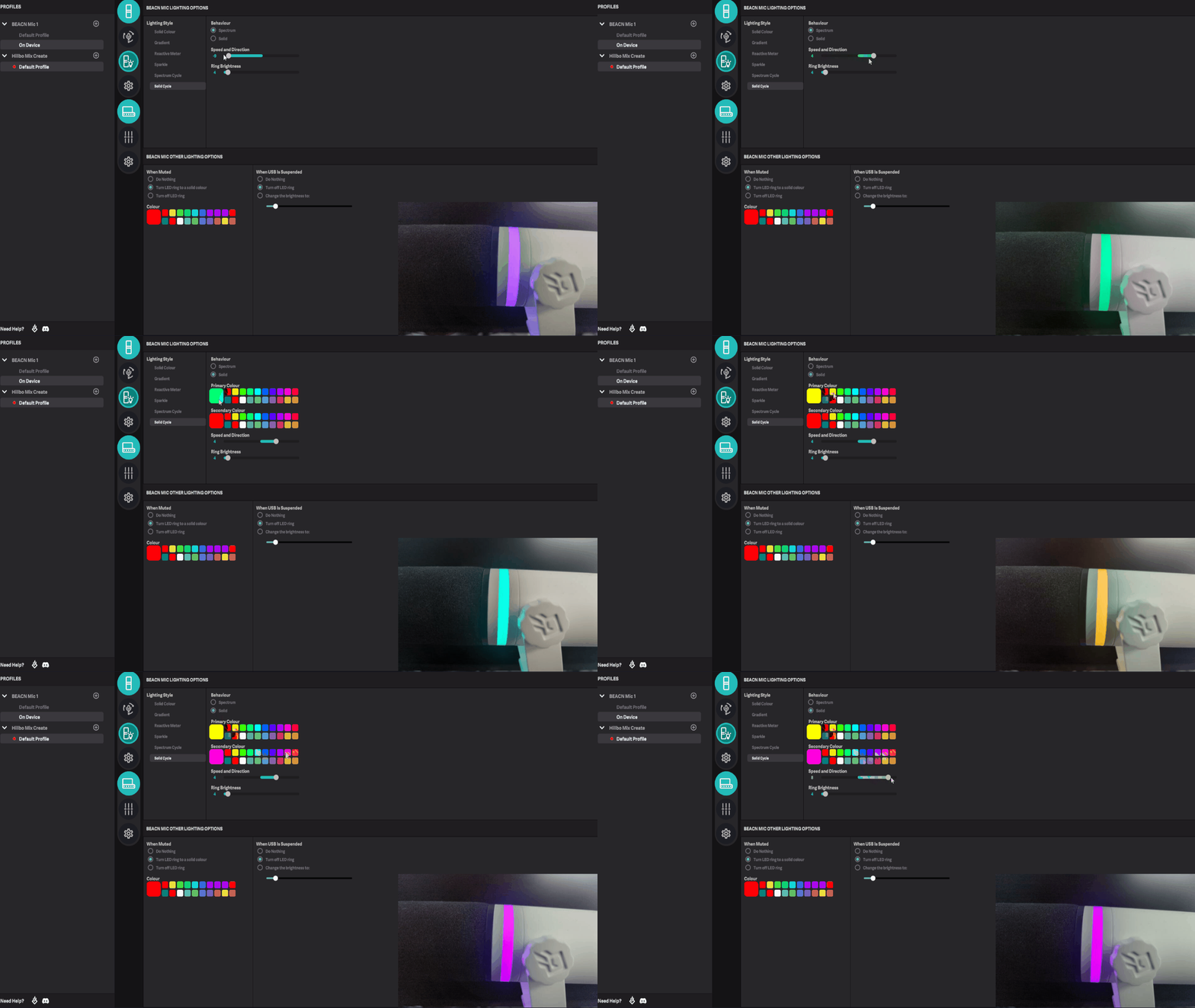
- Solid Cycle - This mode cycles through solid colors. It gives you two behaviours:
- Spectrum - This mode cycles through all of the colors on the RGB spectrum, one solid color at a time
- Solid - This mode gives you the option of choosing two solid colors and it will cycle through both of them based on the speed and direction you set
NOTE
If the color you want isn't on the default color palette, right click on any color to get a full RGB range to choose from!