
How do I mute my BEACN Headset mic?Updated 8 hours ago
How do I mute my BEACN Headset mic?
Click the mute button once to mute your mic and again to unmute it.
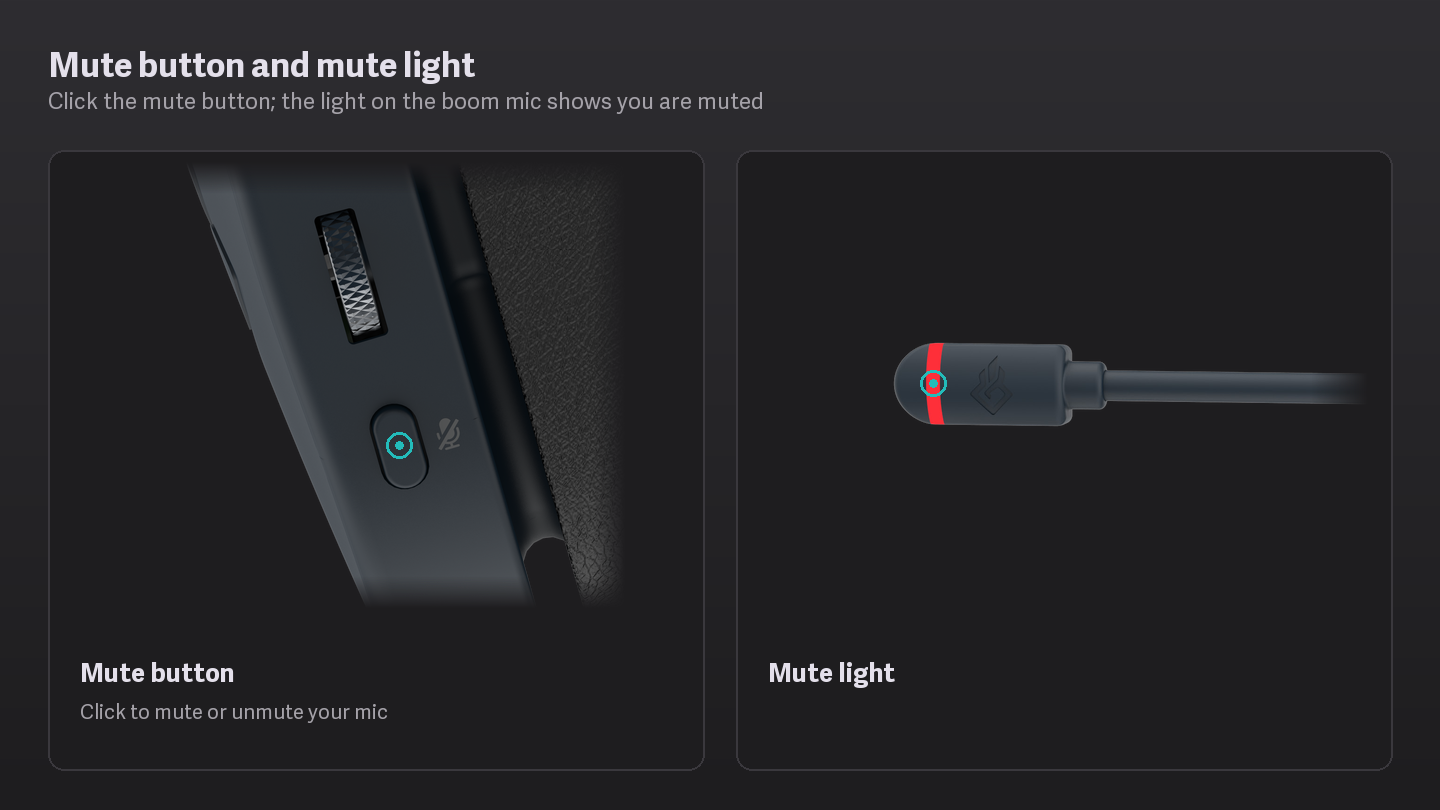
- Click the mute button
Your mic is muted everywhere: in games, chat apps and anything recording from Voice Chat Mic. The mute indicator turns on.
- Click it again to unmute
The voice prompt tells you the mic is live again and the indicator turns off.
Important Note
Hold the mute button instead of clicking it and you change the wheel’s mode, not the mute. See Using the wheel: Volume, Subwoofer, Chat/Game mix and Mic Monitor.
Unplug the boom mic and the headset mutes itself and tells you the mic is disconnected. You hear this even if you were already muted.
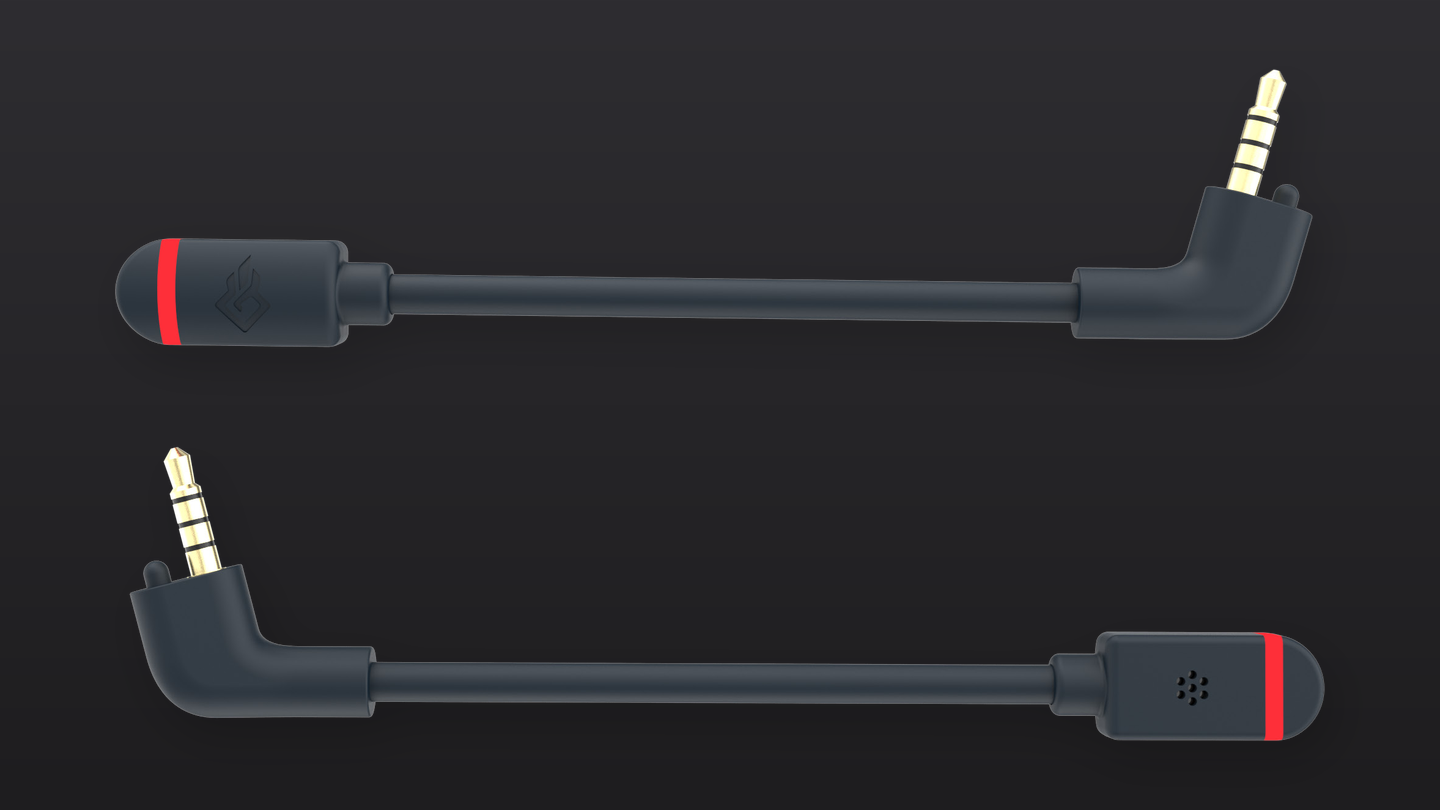
When you are on a Bluetooth phone call, the mute button handles the call instead (answer, reject, end). Mute from your phone’s call screen. See What do the buttons on BEACN Headset do?
The Mixing Suite has its own mute buttons for each knob, so you can mute an app or the mic to just your audience or just yourself. See Using the Mixing Suite with BEACN Headset.